Make the first message clear.
Use a welcoming headline and your own general reception information, supported by a readable clock or date card.
Make general reception information easier to see. Lucy is a digital signage app and digital signage management system for clinic welcomes, opening hours, service messages and considered waiting-room content.
CREATE · MANAGE · SCHEDULE · PLAY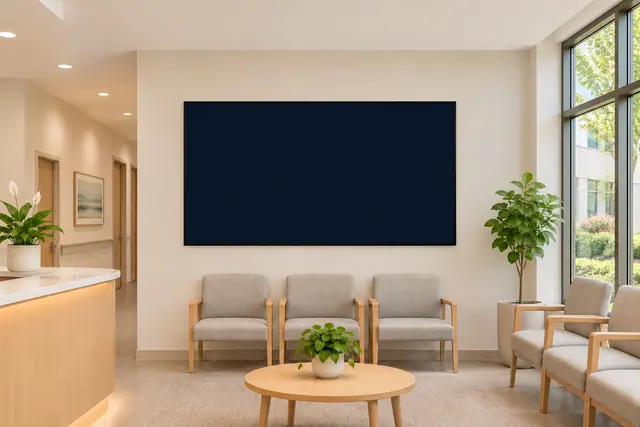
General information, clear reception messages and a more considered waiting space. Start with the job your screen needs to do, then choose the content and timing to suit it.
Use a welcoming headline and your own general reception information, supported by a readable clock or date card.
Use messages and tables for opening hours, general service information and the public details you choose to display.
Combine your own informational images or videos with clocks, approved news feeds or local weather, according to the purpose of the space.
An aquarium scene can provide an ambient interlude between general information. Keep practical messages easy to distinguish from background content.
Here is one example of how your content could change with the day. Select a moment to explore a working Lucy widget with sample content.
Good digital signage starts with useful information and a readable composition. Keep the purpose of each display in view.
Start with reception welcomes, opening hours and service messages. Keep this screen's role clear when deciding what content belongs on it.
Use concise text, a calm visual hierarchy and a content loop that gives people time to read each message.
The solution here is digital signage content management and playback. Patient records, clinical queues and check-in workflows need their own systems.
Lucy is your digital signage app and digital signage management system. Molly is a separate digital signage monitoring system, watching what is happening across your screens.
Meet Molly A DISTINCT ROLE. A WATCHFUL EYE.
Lucy can display your own general information, opening hours, images and videos, alongside supported widgets such as clocks, forecasts and ambient scenes.
The capabilities described here are for digital signage content, scheduling and playback. Patient queues, check-in and clinical workflows are separate applications and integrations.
Yes. You create and organise your content in Lucy and decide which layouts, playlists and supported widgets to publish.
Molly is a separate digital signage monitoring system for watching what is happening across screens. Lucy remains the app and management system creating and playing your content.
Bring your healthcare content together with Lucy, the digital signage app and management system.
Open Lucy