Make reception a helpful first stop.
Compose a welcome message with service information, a clock and your local forecast. Keep the details guests ask about easy to spot.
Give guests useful information with a little personality. Lucy is a digital signage app and digital signage management system for hotel welcome screens, service information, events and content that suits your space.
CREATE · MANAGE · SCHEDULE · PLAY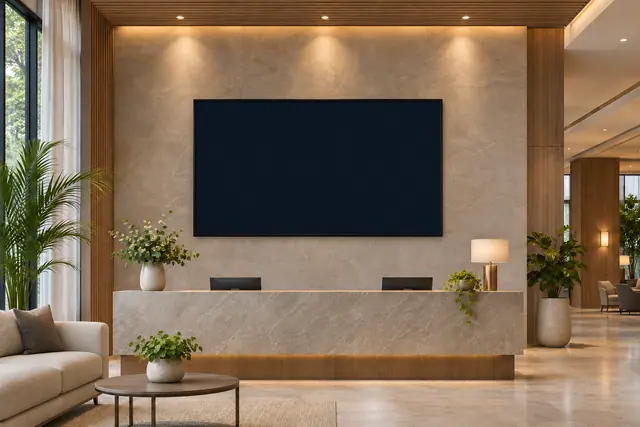
Welcomes, meal times, events and a little atmosphere for your guest spaces. Start with the job your screen needs to do, then choose the content and timing to suit it.
Compose a welcome message with service information, a clock and your local forecast. Keep the details guests ask about easy to spot.
Use meal-time and service boards for breakfast, dining and your own scheduled service rows, with venue grouping where needed.
Show manual events or supported public ICS calendar content. Dedicated room displays can reference the LUCY-managed meeting schedule.
Use the native aquarium or pixel fireplace as an ambient scene between information. Choose content that complements the reception or lounge.
Here is one example of how your content could change with the day. Select a moment to explore a working Lucy widget with sample content.
Good digital signage starts with useful information and a readable composition. Keep the purpose of each display in view.
A reception screen, dining screen and lounge display have different jobs. Start with the information people need in that particular space.
Enter the times and venues you want to show, including different weekdays or overnight service windows where appropriate.
Use manually entered events or a supported public ICS feed. Private hotel booking and guest-management systems are separate connections.
Lucy is your digital signage app and digital signage management system. Molly is a separate digital signage monitoring system, watching what is happening across your screens.
Meet Molly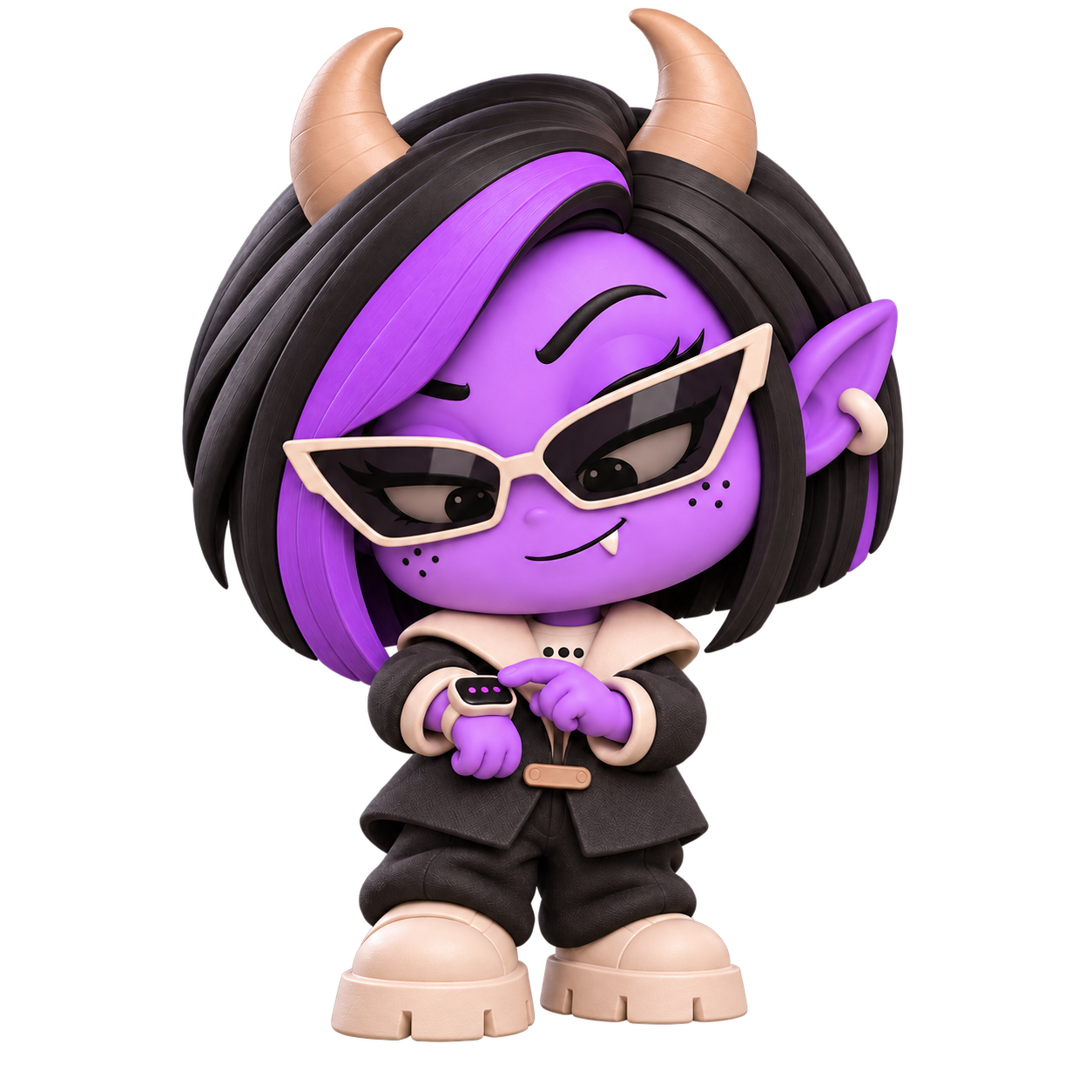 A DISTINCT ROLE. A WATCHFUL EYE.
Yes. The meal-time widget supports scheduled service rows, weekdays and venues, with presentation and grouping options. You enter the service information.
Yes. The QR widget includes a guest Wi-Fi setup form as well as links and text. You provide the network details for the code.
The capabilities on this page cover managed screen content, manual schedules and supported public feeds. A property-management or booking-system connection is a separate requirement.
Lucy creates, manages and plays your content. Molly is a separate digital signage monitoring system; her role is watching what is happening across screens.
Bring your hotels content together with Lucy, the digital signage app and management system.
Open Lucy