Put the timetable in plain sight.
Show your own class information with an events calendar or editable table. Use concise titles and enough spacing for a quick glance.
Put the next class, the next activity and the next useful message in view. Lucy is a digital signage app and digital signage management system for gyms, fitness studios and leisure spaces.
CREATE · MANAGE · SCHEDULE · PLAY
Class information, activity timers and the messages that keep a space moving. Start with the job your screen needs to do, then choose the content and timing to suit it.
Show your own class information with an events calendar or editable table. Use concise titles and enough spacing for a quick glance.
Use duration timers, stopwatches or daily countdowns as part of your screen content. Choose a display style that suits the activity.
Create welcome messages, scrolling announcements and scheduled offer cards for your own events, memberships or services.
Combine uploaded images and videos with your typography and widget choices. Let reception and activity-area screens serve different purposes.
Here is one example of how your content could change with the day. Select a moment to explore a working Lucy widget with sample content.
Good digital signage starts with useful information and a readable composition. Keep the purpose of each display in view.
A reception timetable and an activity timer need different layouts. Build around the distance and time people have to read the screen.
A real-world countdown and a clip-based duration timer serve different purposes. Configure the mode around the activity you want to show.
Enter class information yourself or use a supported public calendar feed. A membership or fitness booking platform is a separate connection.
Lucy is your digital signage app and digital signage management system. Molly is a separate digital signage monitoring system, watching what is happening across your screens.
Meet Molly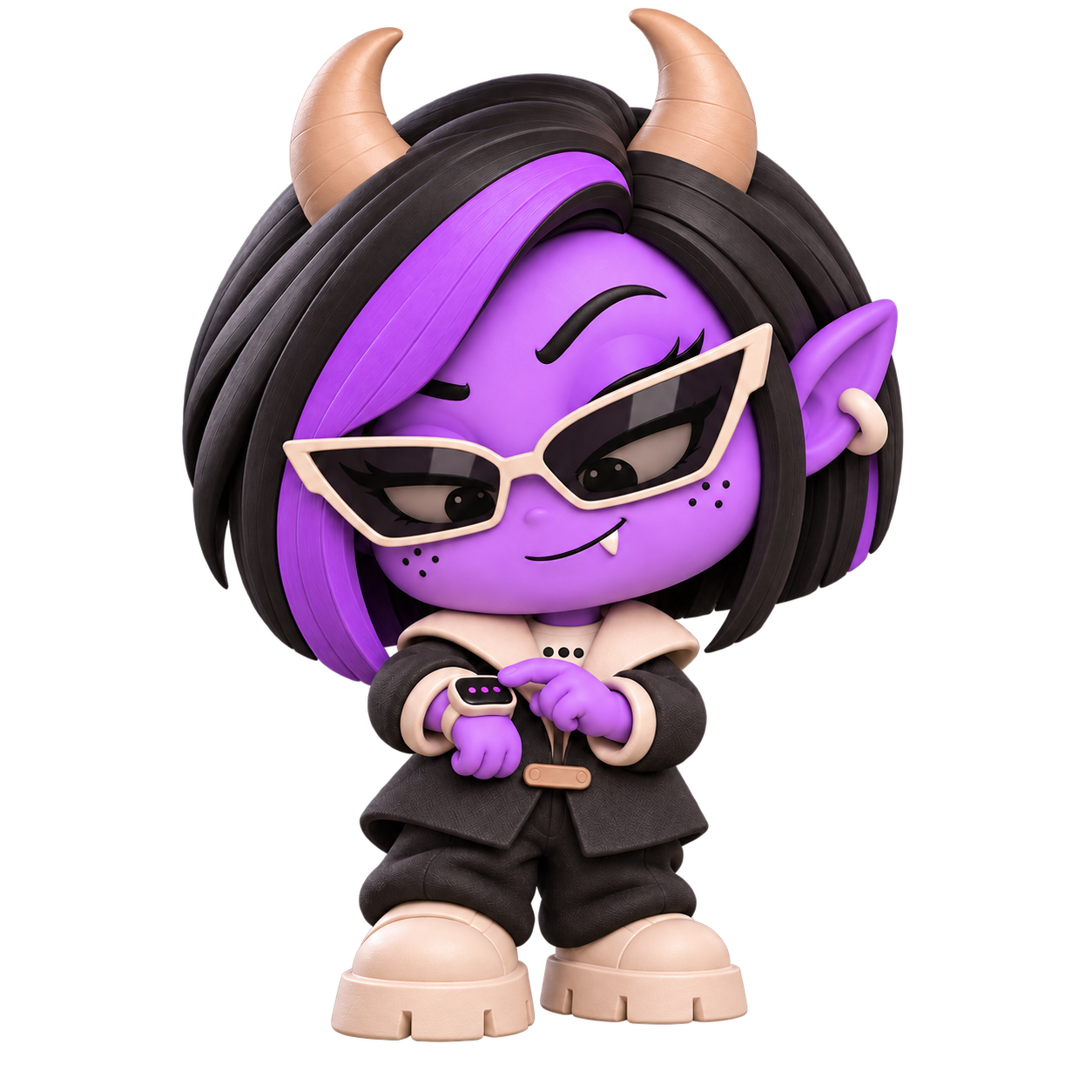 A DISTINCT ROLE. A WATCHFUL EYE.
Yes. Use manually entered calendar events, a supported public ICS feed or an editable table for the timetable you want to display.
Yes. Countdown options include target dates, elapsed time, daily resets, duration timers and stopwatches, with several visual looks.
The capabilities described here use your entered content or supported public feeds. An authenticated booking or membership system connection is a separate requirement.
No. The Lucy player app shows the content. Molly is a separate digital signage monitoring system for watching your screen setup.
Bring your gyms content together with Lucy, the digital signage app and management system.
Open Lucy