Make arrival feel like the beginning.
Create a welcome composition with your event identity, key information and the first session of the day.
Help people find the next session and feel part of the occasion. Lucy is a digital signage app and digital signage management system for event welcomes, agendas, countdowns and venue messages.
CREATE · MANAGE · SCHEDULE · PLAY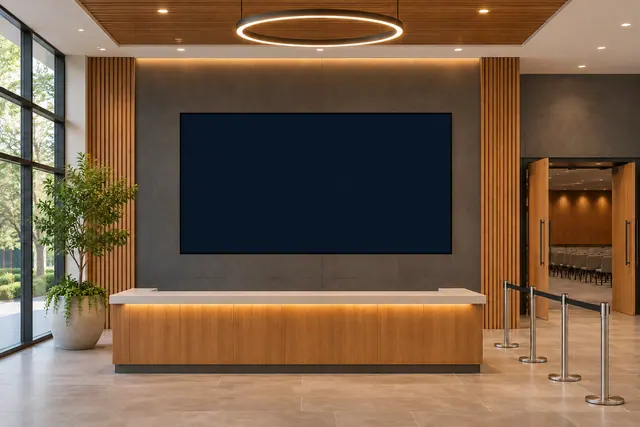
Welcomes, agendas, countdowns and the details that bring an occasion together. Start with the job your screen needs to do, then choose the content and timing to suit it.
Create a welcome composition with your event identity, key information and the first session of the day.
Use a manual events calendar or editable table to show sessions, times and locations. Choose a format suited to the display.
Count down to a chosen event time or use a configured timer as part of your programme content.
Add a QR code for your own programme, website or form, with your own announcements and partner artwork in the surrounding content.
Here is one example of how your content could change with the day. Select a moment to explore a working Lucy widget with sample content.
Good digital signage starts with useful information and a readable composition. Keep the purpose of each display in view.
A welcome screen, agenda display and session countdown need different compositions. Plan their roles before filling the layout.
Enter your agenda and review schedules before the event. Use a clear fallback message for the gaps between the moments you want to show.
Point your QR code at a programme, website or form you control. Ticketing and registration data connections are separate requirements.
Lucy is your digital signage app and digital signage management system. Molly is a separate digital signage monitoring system, watching what is happening across your screens.
Meet Molly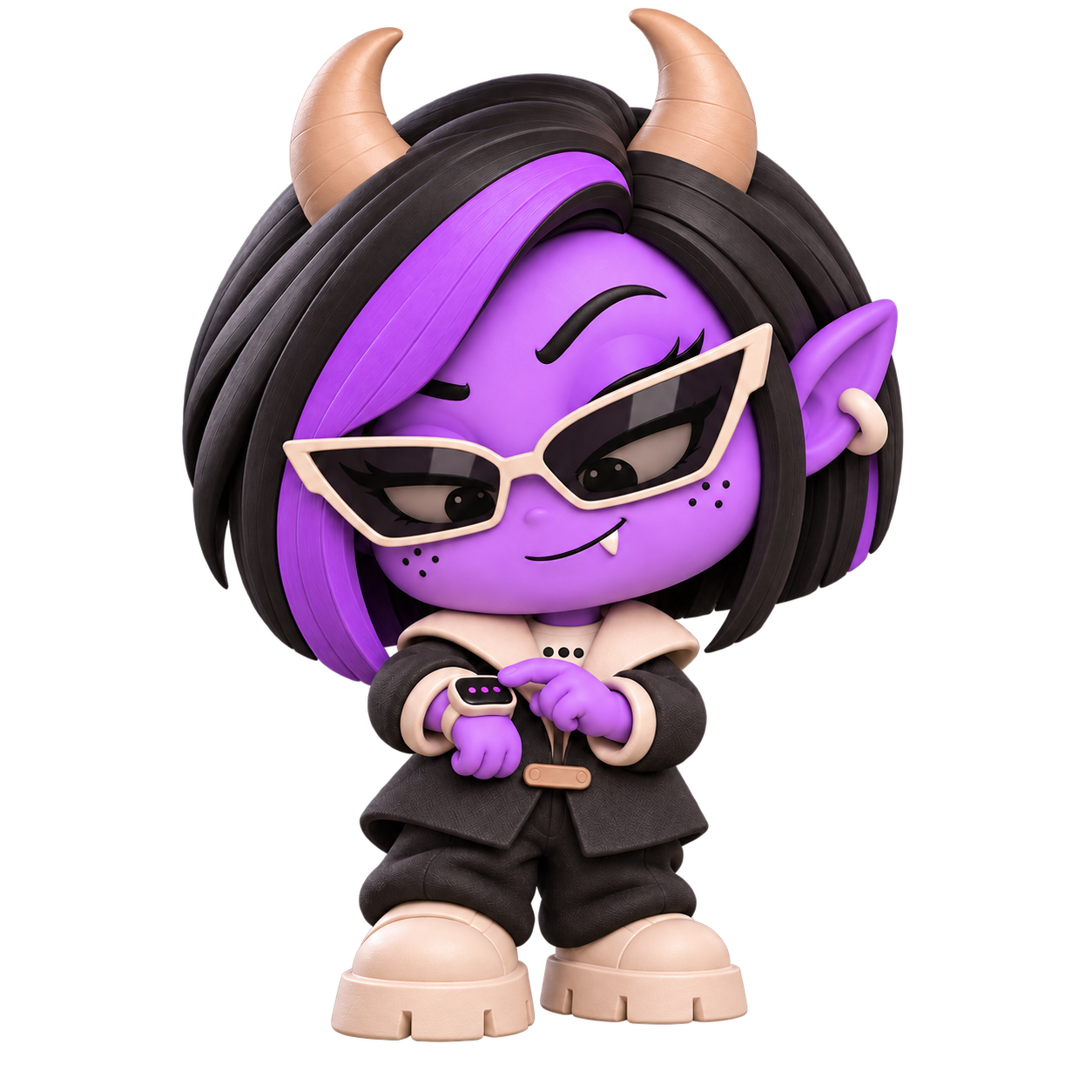 A DISTINCT ROLE. A WATCHFUL EYE.
Yes. Use a manually maintained events calendar, a supported public ICS feed or an editable table to display your programme.
Yes. The countdown widget can target a real-world time, while duration timers and stopwatches serve other content needs.
Lucy manages and plays digital signage content. You can link to your own ticketing page or form with a QR code, but ticketing and registration workflows are separate.
Molly is the separate digital signage monitoring system. Lucy handles creation, content management and playback, while Molly's role is watching what is happening.
Bring your events content together with Lucy, the digital signage app and management system.
Open Lucy