Make reception more informative.
Combine a welcome message with the date, time and your own visitor information. Keep the next useful detail visible.
Give useful information a clear place in the school day. Lucy is a digital signage app and digital signage management system for reception welcomes, notices, calendars, canteen menus and shared-space content.
CREATE · MANAGE · SCHEDULE · PLAY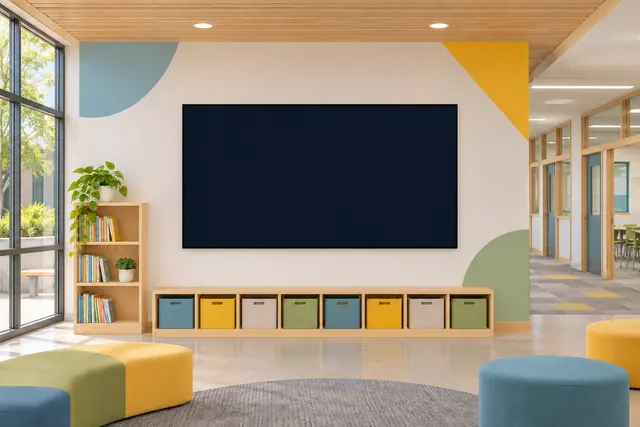
Notices, school events, canteen menus and helpful messages throughout the day. Start with the job your screen needs to do, then choose the content and timing to suit it.
Combine a welcome message with the date, time and your own visitor information. Keep the next useful detail visible.
Use headline messages or scrolling announcements for your own school updates, clubs and activities.
Build a manual calendar or choose a supported public ICS feed, then select an agenda, day, week or month view.
Create a digital menu and use scheduled service information to show what is on and when. Let food information have its own clear layout.
Here is one example of how your content could change with the day. Select a moment to explore a working Lucy widget with sample content.
Good digital signage starts with useful information and a readable composition. Keep the purpose of each display in view.
Use a clear headline and a small amount of supporting text. Give students, staff and visitors time to catch the point as they pass.
Use schedules and day-parts for arrival, lunch and later activities. Let different screens carry the information relevant to their location.
Use content your team maintains in Lucy or supported public feeds. Student information systems and authenticated learning-platform connections are separate requirements.
Lucy is your digital signage app and digital signage management system. Molly is a separate digital signage monitoring system, watching what is happening across your screens.
Meet Molly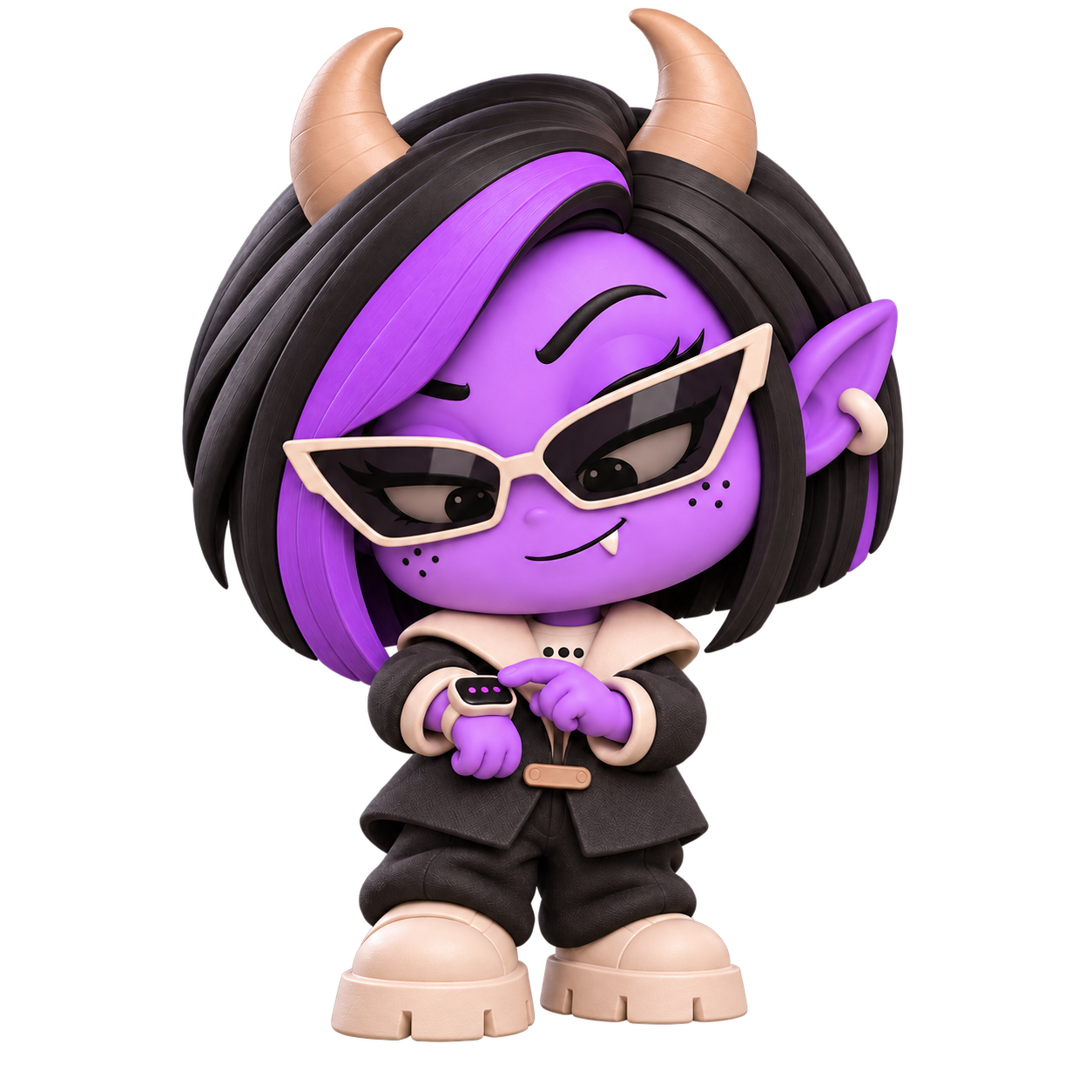 A DISTINCT ROLE. A WATCHFUL EYE.
Yes. Use message widgets, styled text, your own tickers, images and video within a screen layout or playlist.
Yes. Lucy includes menu creation and meal-time information alongside its screen layout and scheduling tools.
The solution described here uses managed content and supported public feeds. A student information or learning-platform connection is not included in these capabilities.
Molly is a separate digital signage monitoring system. Lucy creates, manages and plays the content; Molly watches what is happening across the screen setup.
Bring your education content together with Lucy, the digital signage app and management system.
Open Lucy